
Split a JPG Online into Multiple Parts
Instant Local Slicing
Your browser processes every image directly on your computer using native Canvas code. No waiting for server queues.
Total Privacy Guaranteed
Pictures stay safely on your personal device. They never touch external web servers or remote database storage.
Custom Cut Control
Choose exact horizontal or vertical slice counts to prepare your graphic layouts for social posts or digital printing.
Why You Need to Split a JPG Image File
Large graphics can be tricky to upload or share online. Big photos take longer to load on mobile websites and often get rejected by strict file size limits in web apps. When you split a JPG image into smaller sections, you make it far easier to manage across different digital platforms. Web editors frequently slice giant infographics or digital banners into sequential blocks so visitors enjoy smooth page scrolling without heavy page bloat.
Social media layout design is another huge reason people slice photos. Panoramic landscapes look stunning on Instagram, carousel posts, or multi-grid profiles when split evenly. If you frequently work with combined document pages, you might also need to jpg to word formats for easier text editing, or combine separate scans back together using a JPG Merge tool.
When You Will Need an Online Image Slicer
Slicing pictures comes in handy across many daily tasks. You will find this technique helpful when working on:
1. Instagram seamless grid carousels and triple-photo profile layouts.
2. Email newsletter templates that require sliced graphics for faster image rendering.
3. Printing large posters across standard desktop printer pages.
4. Slicing long web design mockups into digestible client presentation slides.
Sometimes you might also start with non-standard file types from modern smartphones. For example, converting iPhone photos with a HEIC to JPG utility makes them ready to split immediately without compatibility errors.
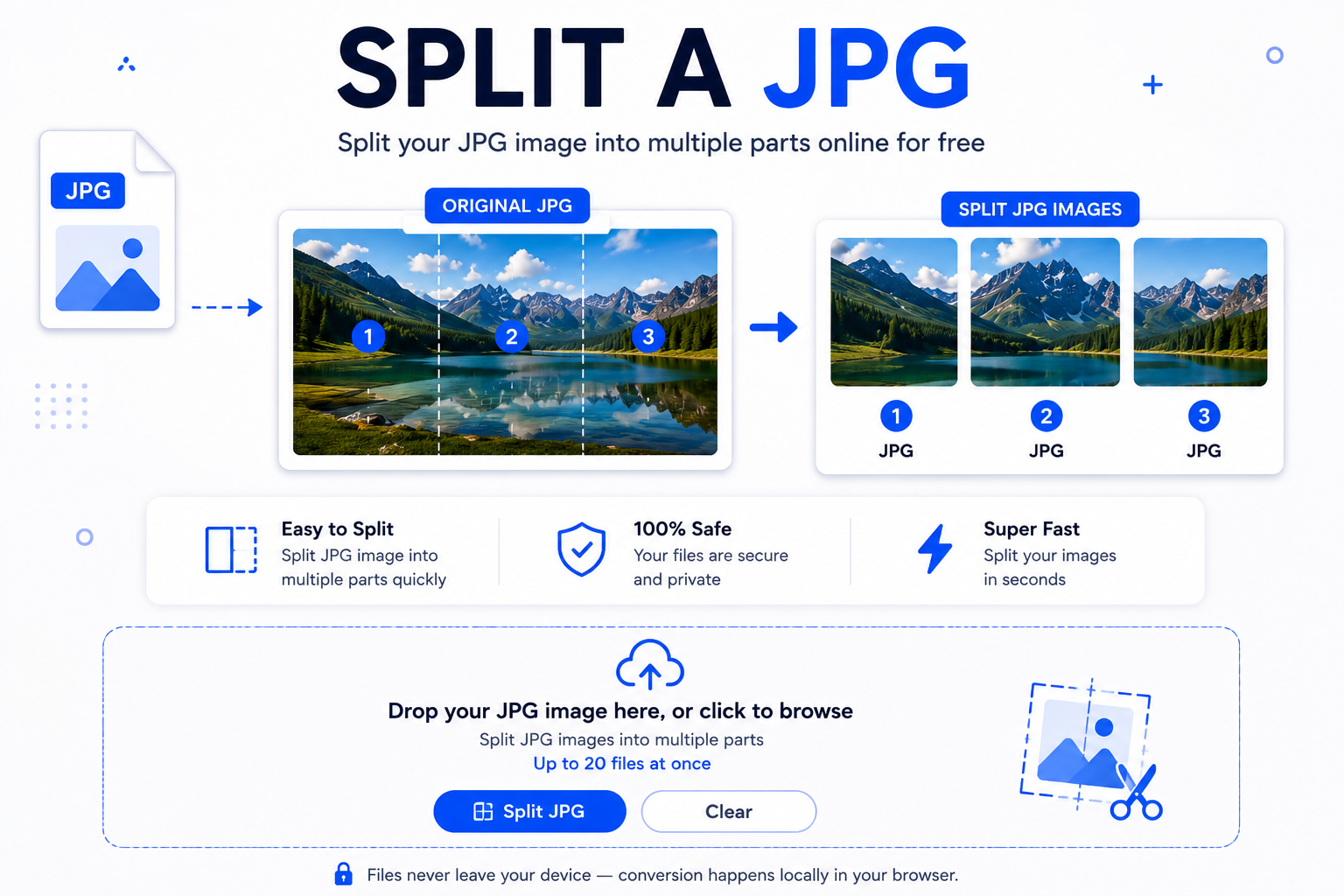
How to Split a JPG Step-by-Step
You can split a JPG into clean segments within seconds. Just follow these simple steps:
- Upload your files: Drag your pictures into the drop area above, or click inside the blue box to select photos from your device.
- Set your cutting preferences: Pick whether you want vertical rows, horizontal columns, or a grid layout. Select how many equal pieces you need.
- Process the images: Click the blue button to split a JPG. The tool cuts the images inside your browser right away.
- Download your sliced output: Click the individual download links next to each slice to save the generated picture files straight to your device.
If you regularly work with scanned paperwork, you can also convert digital files like pdf to jpg before running them through our splitter tool.
Comprehensive Frequently Asked Questions
Whether you need to crop long infographics, prepare social carousels, or organize digital scans, learning how to split a JPG gives you complete control over your media layout.