
Borderize a JPG Online
Instant Client-Side Processing • 100% PrivateAll edits happen instantly inside your browser canvas without network lag.
Your photos stay on your device. Zero server uploads or cloud storage risks.
Adjust margin thickness, custom hex colors, and canvas extension options freely.
Adding clean borders to your photos makes them pop on social feeds and websites. When you need to borderize a JPG, you need a quick tool that gives you exact color matching and margin controls without ruining image sharpness.
Why Borderize a JPG for Web and Social Media?
Borders create visual breathing room around your photographs. Instagram and visual galleries often crop images unexpectedly. A solid outer margin keeps your original photo framed cleanly so important details near the edges do not get cut off.
Different workflow tasks require different photo tools. For example, if you need to combine several pictures into one file afterward, you can use our JPG Merge tool. After adding your frame, if the output file size is too large for fast loading, run it through our JPG Size Reducer to keep loading speeds fast.
Format handling matters too. If your file is currently saved in another graphic format, a quick jpg converter will get it ready for framing. For next-gen web pictures, run an avif to jpg transformation before adding custom margins. Similarly, if your picture has a transparent background, perform a png to jpg conversion so the frame renders cleanly on a solid backdrop.
Digital creators also work with document captures and web layouts. When capturing webpage layouts or graphic mockups, our html to jpg tool helps turn code into crisp pictures. For presentation slides that need framing before export, our Merge PPT utility handles multi-slide documents easily.
How to Borderize a JPG Online in 3 Steps
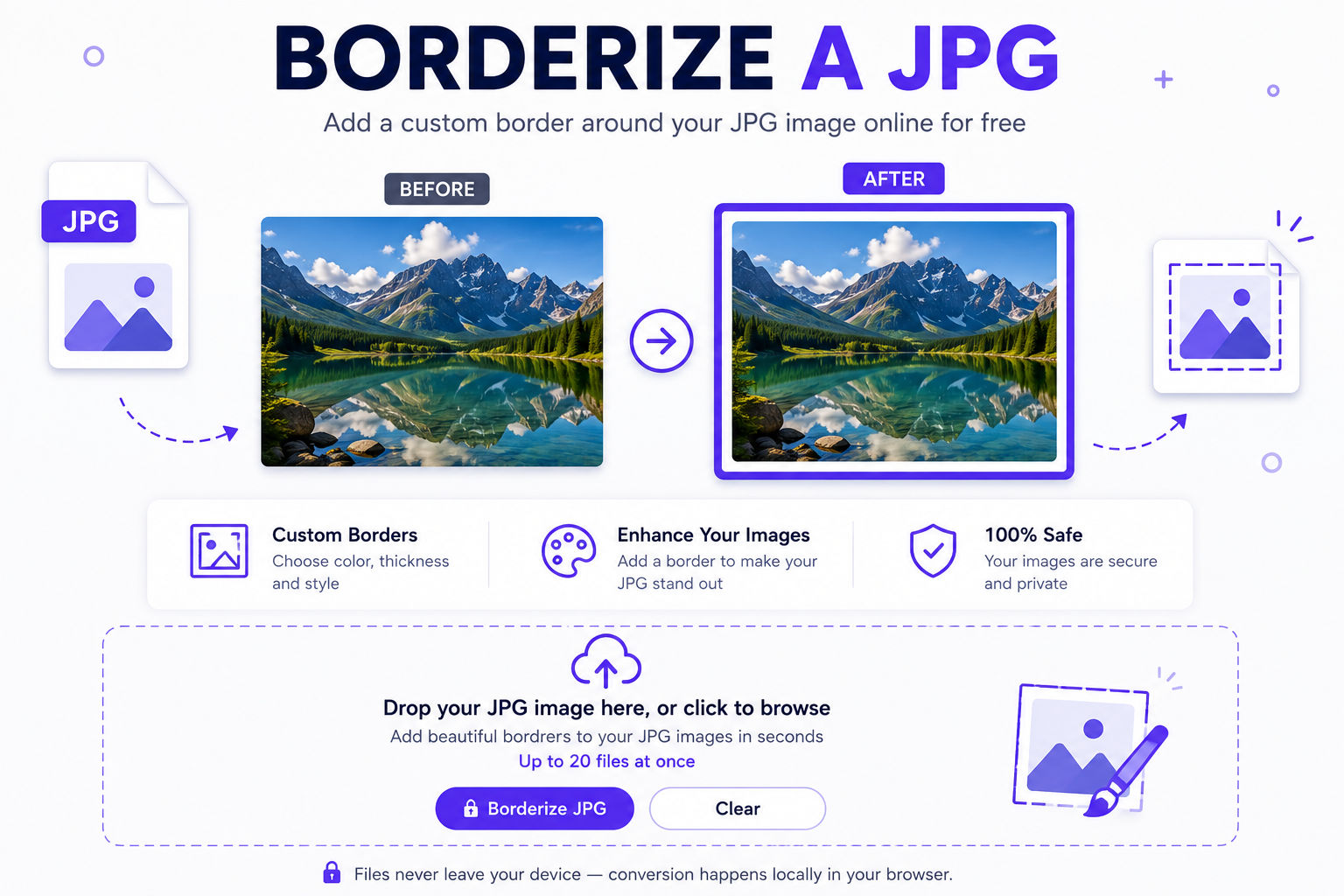
Drag your pictures into the drop area or click inside the box to choose files from your phone or computer.
Pick your border width in pixels, choose any color using the color picker, and select inside or outside placement.
Click the action button to apply your new border frame and download the finished JPGs directly to your device.
Frequently Asked Questions
Yes. Our editor renders your images using native HTML5 browser canvas at full original resolution, keeping your original photograph sharp and clear.
Outside placement expands the total canvas dimensions, adding margins around the picture. Inside placement overlays the border over the outer edges without altering overall pixel dimensions.
No. All processing runs entirely inside your local web browser. Your files are never uploaded to any remote server or cloud database.
Yes. You can select multiple files at once, set your preferred border color and width, and batch process the entire list with one click.
You can choose any color using the visual color picker or enter exact HEX codes like white (#ffffff) or dark matte black (#000000).
Yes. The tool works on mobile browsers on iOS and Android devices without requiring any app installations.
Whenever you need to borderize a JPG quickly, this browser-based tool gets it done without complex software.