
Crop a JPG Online
Trim, reframe, and clean up your photos in seconds. Pick the area you want, keep the rest out, and save the result right from your browser.
100% Free · No Signup · Works OfflineDrop JPG files here or click anywhere
Add one image or many. Nothing leaves your device.Why cropping a JPG matters
A tight crop can rescue a good photo from a busy background. It also cuts the file weight, which speeds up your pages and email. If you want to combine images after trimming, you can pass the results through JPG Merge and keep the workflow in one place. And if the final crop is still heavy, run it through the JPG Size Reducer before you upload it anywhere.
When you’ll need to crop a JPG
Product photos need square frames for shops. Profile pictures need a clean centered face. Screenshots almost always have junk at the edges. Sometimes you save an image as WebP by accident and use webp to jpg first, then crop. Same story with graphics from a design tool where png to jpg comes before trimming. Web designers often turn a full page into an image with html to jpg and then cut it into pieces.
Private by default
Your files stay in your browser. There is no upload, no server, and no account.
Fast on any device
The tool runs on native canvas APIs so it works on old laptops and phones.
Precise control
Drag the box, type exact pixels, or pick a ratio like 1:1, 4:5, or 16:9.
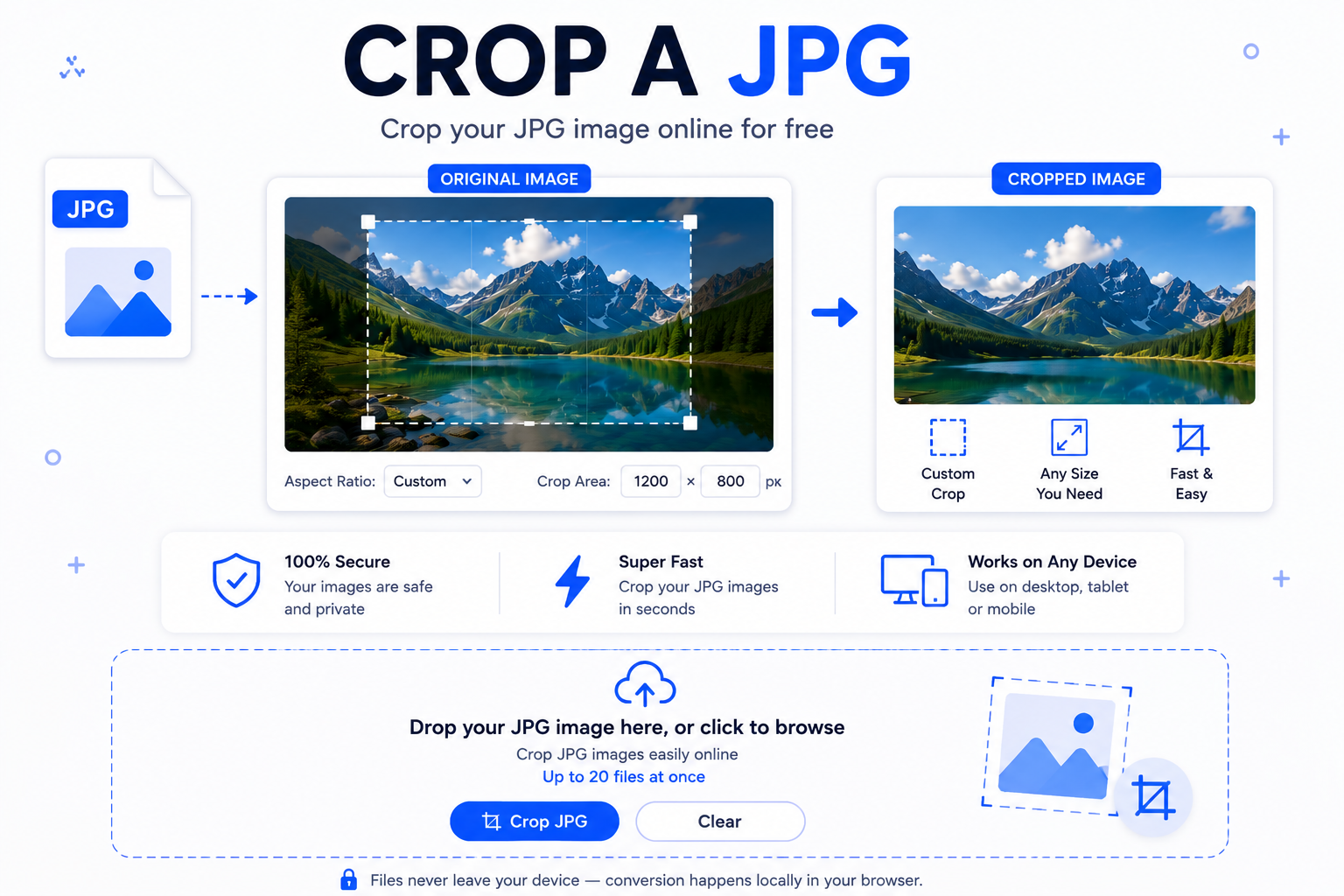
How to crop a JPG in four steps
Add your files
Drop JPGs into the box or tap to browse. Add as many as you want.
Pick the area
Drag the box or type width, height, and position for a clean cut.
Click Crop All
The tool processes every file at once and shows the result below each one.
Download
Grab each cropped file with its own download button. That’s it.
A few honest tips
Crop before you resize, not after. Cropping first keeps the sharpest pixels and gives cleaner edges. If the picture is tilted, straighten it in a photo app first and then bring it here. When you need borders after the crop for a poster or thumbnail, Borderize a JPG gives you a clean frame in one click. If you want two halves out of one photo, Split a JPG is faster than cropping twice.
Doing something bigger than a single image? Slides and reports usually need packaging, so tools like Merge PNG to PDF, Merge WebP to PNG, and Merge PPT can save you a lot of clicks after you finish trimming.
FAQ
Is it safe to crop a JPG here?
Yes. The whole process runs inside your browser tab. No file gets uploaded, so no one else can see your images.
Will cropping lower the image quality?
Not in a real way. JPG is re-encoded once at 95% quality, which keeps the picture looking the same to the eye while keeping file size sensible.
Can I crop many JPGs at once?
Yes. Add as many as you like, set the crop area on each one, and click Crop All. Every file gets its own download button.
What sizes and ratios can I use?
Any size you want. There are quick presets like 1:1, 4:5, 16:9, and 3:2, plus a free mode where you drag whatever shape you need.
Does it work on my phone?
Yes. The layout is mobile-first, and you can drag the crop box with your finger.
What is the file size limit?
There is no fixed limit from the tool. Very large photos can slow the browser, so anything under 25 MB is smooth on most phones.
Can I use it offline?
Once the page loads, you can turn off the internet and it still works. Nothing is sent anywhere.
Do you keep my images?
No. When you close the tab, everything is gone. There is no storage, no cookie, no account.
Final word
Cropping should be quick and quiet, not a project. This page gives you a plain way to crop a JPG, one file or twenty, without a login or a wait. Pick the frame you want, download it, and move on with your day.