
MERGE PPT ONLINE
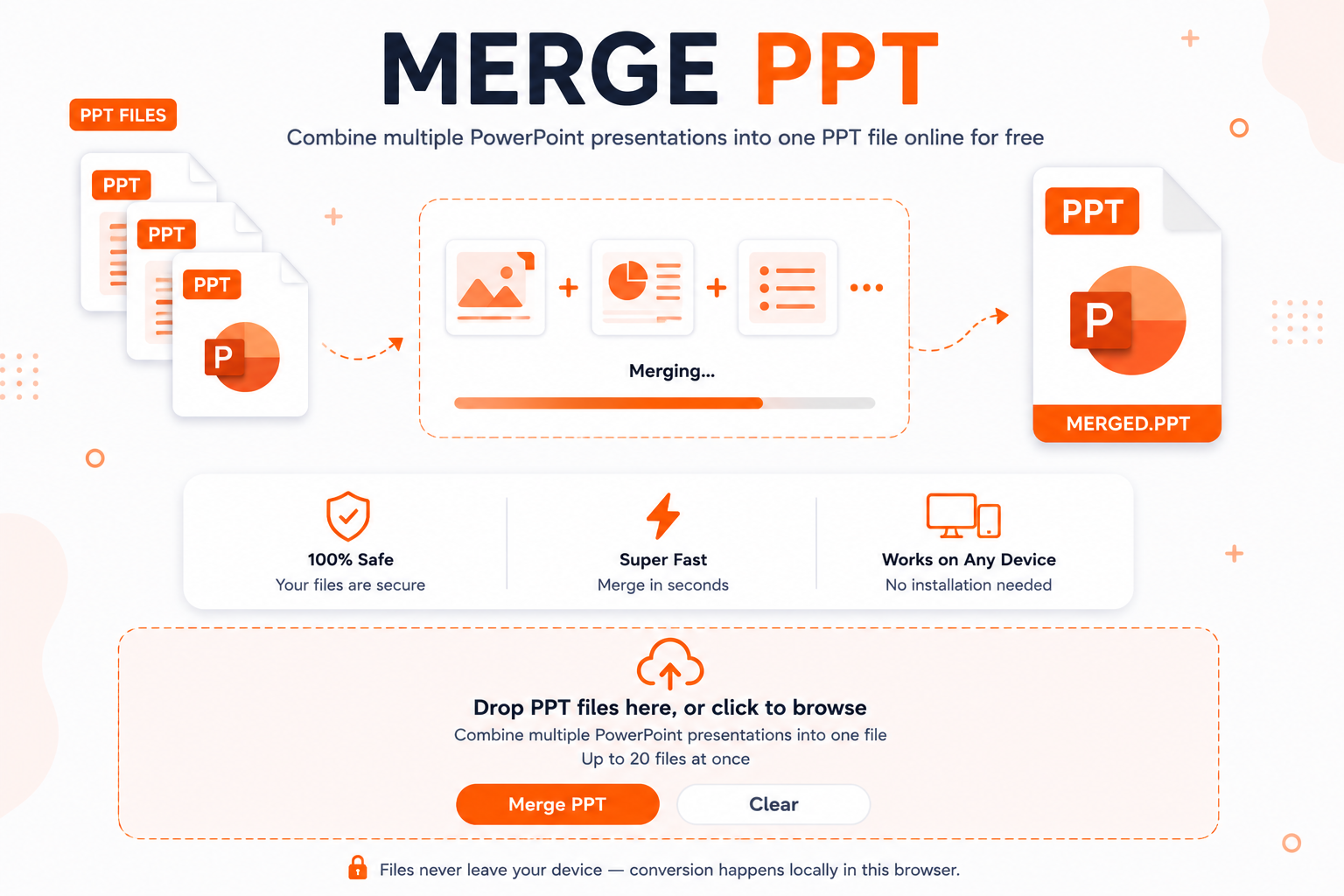
Combine multiple PowerPoint presentations into one PPT file online for free.
click to browse
one file. Up to 20 files at once.
100% Safe
Your files stay private and secure on your own local browser.
Super Fast
Combine your presentation slides in seconds without waiting.
Works on Any Device
No installation needed. Works on Windows, Mac, iOS, and Android.
Quick Online PowerPoint Joining
Working with slides often leaves you with files scattered across your computer. You might have slides from different team members or old projects. When it comes time to present, opening multiple windows takes too long and looks messy. Joining your decks into a single document keeps everything organized. If you work with images alongside slides, you might also use a JPG Merge tool to keep visual graphics clean before building your presentation deck.
Why Clean Slide Organization Matters
Keeping your presentations in order saves time and prevents embarrassing moments during live meetings. Switching between different files breaks your focus and confuses your audience. When you Merge PPT decks into one master file, your presentation flows naturally from start to finish. If you need to turn slide text into editable documents later, a jpg to word workflow helps extract written details quickly.
When You Need to Combine Decks
You will need to combine slides whenever you build team updates, quarterly reports, or school projects. Sales teams often join separate product decks into one unified pitch. Teachers combine weekly lessons into complete study guides for students. Sometimes you may need to convert slide export images into other formats using a jpg converter or transform modern image types using avif to jpg so every visual element opens smoothly anywhere.
How to Merge PPT Presentations
- Select your files: Drag and drop your PowerPoint documents into the main box above or click anywhere inside to browse your computer.
- Review the list: Check the queue to ensure all your presentation files are added in the order you want them merged.
- Start merging: Click the orange Merge PPT button to process your presentation slides directly inside your browser.
- Save your file: Download the merged file immediately to your device with one click.
Frequently Asked Questions
This tool runs entirely inside your web browser. Your presentation files never travel across the internet or land on external servers, keeping your information completely safe.
No software installation is required. Everything runs right inside your browser window without extra add-ons.
You can upload up to 20 presentation files at once. The processing speed depends on your computer memory because all tasks run locally.
Yes. If you work with web layouts or graphics, you can convert web code with html to jpg, join PNG graphics using Merge PNG to PDF, or switch newer web assets via Merge WebP to PNG before placing images onto slides.
Yes. The tool is fully mobile-responsive and works smoothly on smartphones, tablets, and desktop computers.
Yes, it is completely free with no registration or hidden sign-ups needed.