
Merge PNG to PDF Online, Free
Drop a stack of PNG images below and get back one PDF, in the order you added them. Nothing uploads anywhere, so it works even on a slow connection.
Runs entirely in your browserScreenshots, scanned pages, exported design files — PNGs pile up fast, and most places only want one PDF, not fifteen loose images. This tool lines your PNGs up into a single PDF, right here in this tab. It sits next to JPG Merge, our tool for combining several photos into one image before you ever get to the PDF stage.
🔒Files never leave your device — the merge happens locally in this browser tab.
No uploads, no waiting
Your PNG files stay on your own device. The merge happens in this browser tab, so nothing gets sent to a server.
Pages stay sharp
Each PNG goes onto its own page at close to full quality, so screenshots and text stay easy to read.
Merge a whole folder
Select ten files or fifty. Queue them up first, check the order, then merge them into one PDF in a single click.
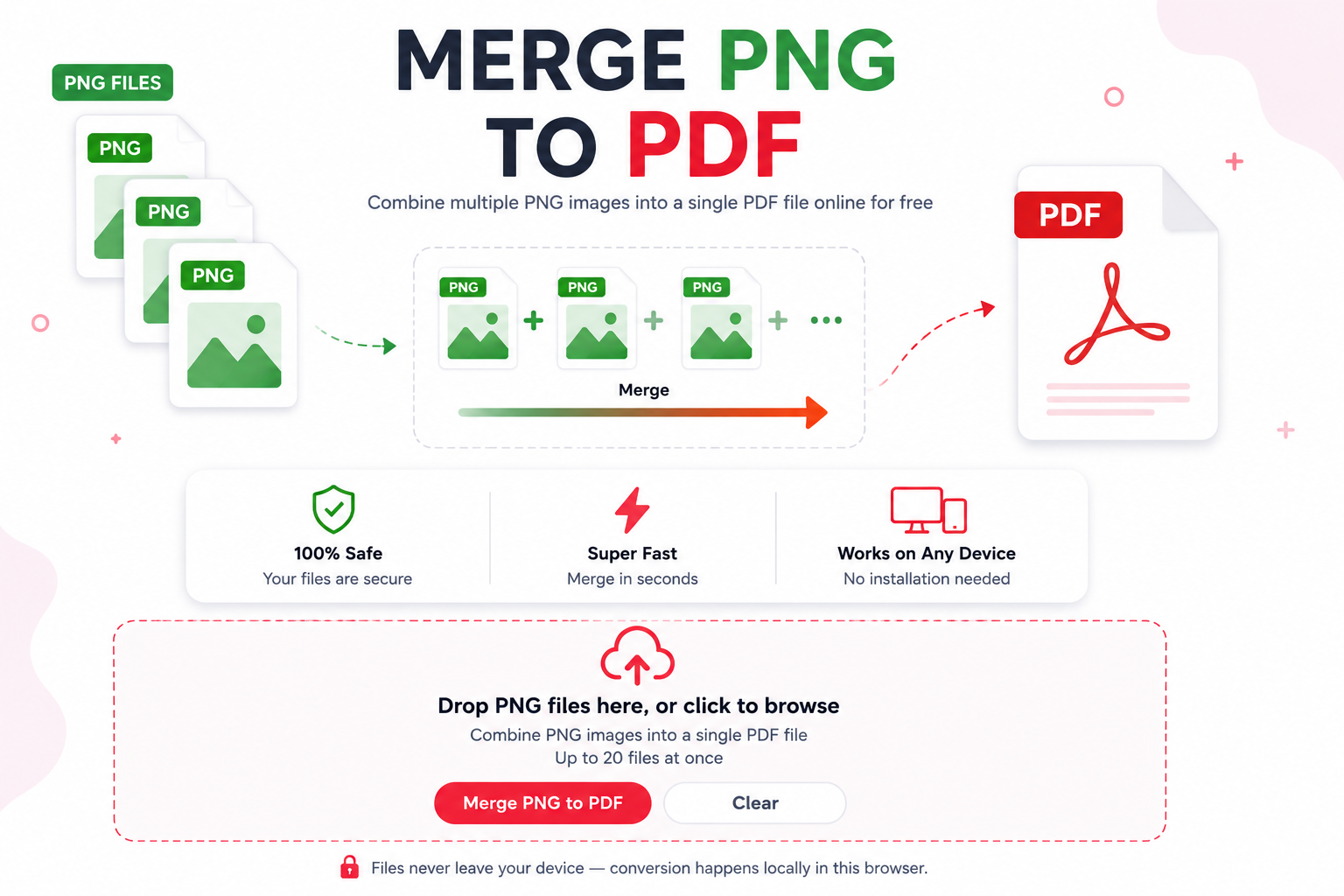
Why You’d Merge PNG to PDF
A single PNG is fine on its own, but the moment you have more than two or three, PDF is just the more sensible container. Job applications, tax paperwork, and college portals almost always ask for one PDF instead of a folder of loose images. If you started with a JPG instead of a PNG, run it through jpg converter first to turn it into a PNG, then bring it back here.
A PDF also keeps your pages in order automatically. Anyone who opens it sees page one, then two, then three, without guessing which screenshot comes first or downloading eight separate attachments.
When You’ll Need to Combine PNG Files Into a PDF
This comes up more than people expect. Design mockups exported as PNG need to go to a client as one document instead of eight attachments. Scanned receipts saved as PNG need to sit in one file for an expense report. Multi-page forms, filled in and screenshotted one page at a time, need to become a single PDF before anyone will accept them.
If your PNGs are screenshots and feel too heavy to attach to an email, JPG Size Reducer can shrink them down before you bring them here to combine into a PDF.
How to Merge PNG to PDF in Three Steps
Add your PNG files
Click the box above or drag your PNGs straight from a folder. Drop as many as you need.
Check the order, then merge
Files line up in the order you added them. Use the arrows on a row if you need to move it, then press Merge to PDF.
Download your PDF
One combined PDF downloads straight to your device. Need the text pulled back out later? jpg to word can extract it once you’ve saved a page as a JPG image.
Frequently Asked Questions
Is it really free to merge PNG to PDF?+
Yes. There’s no sign-up, no watermark, and no limit on how many times you use it.
Do my PNG files get uploaded anywhere?+
No. The merge runs inside your browser tab using JavaScript. Your files never leave your device, so it still works if you’re on a slow or spotty connection.
Will transparent PNGs still look right in the PDF?+
PDF pages don’t support transparency the way PNG does, so any transparent area gets filled in with white before the page is built. If your PNG has a transparent background, plan on a plain white background in the finished PDF.
How many PNG files can I merge at once?+
There’s no hard cap from this tool. Very large batches depend on your own device’s memory, since everything happens locally instead of on a server.
Can I change the order of the pages before merging?+
Yes. Move any file up or down in the queue before you press Merge to PDF, and the finished pages will follow that order.
What if one of my files won’t convert?+
That row gets marked as failed and the rest of your files still merge normally. It usually means the file wasn’t actually a valid PNG, so try re-exporting it and adding it again.
Can I turn the finished PDF back into images afterward?+
Yes, pdf to jpg pulls the pages back out as separate image files if you ever need to go the other way.
What if my files are JFIF instead of PNG?+
Run them through jfif to jpg first to get a standard image file, then come back and add them here alongside your PNGs.
That’s really all there is to it. Add your PNGs, check the order, and merge PNG to PDF into one file instead of juggling a dozen separate images. Bookmark this page if you convert files often, and come back anytime you need to line up more PNGs into a single document.