
PNG to JPG Converter
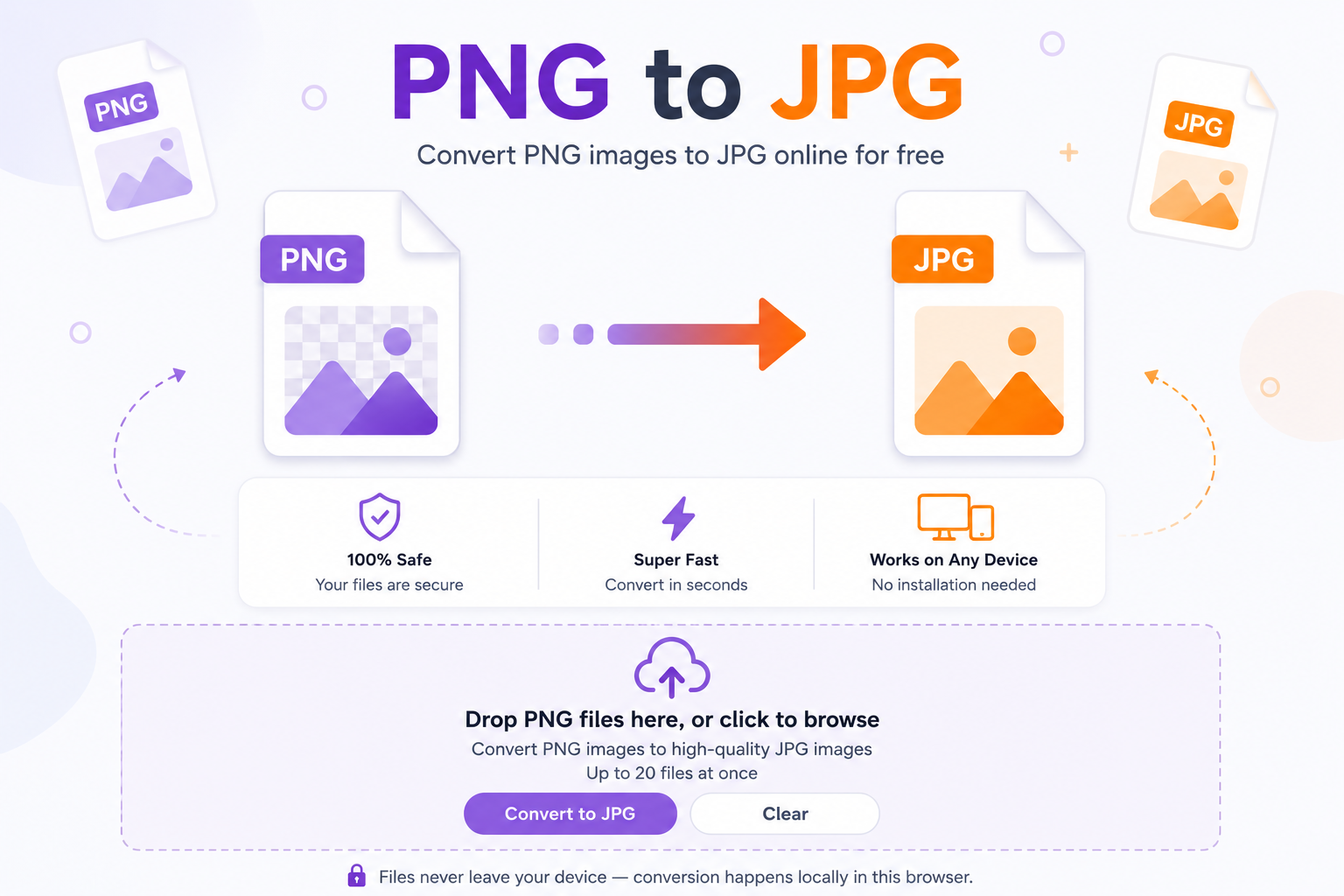
Turn transparent PNG files into smaller, sharable JPGs right in your browser. No uploads, no signup, no watermark.
Drop PNG files here
or click anywhere in this box to choose files
Why the PNG to JPG switch matters
PNG is great when you need sharp lines, screenshots, or a transparent background. JPG is better when you want small files that load fast and attach without complaints. A photo saved as PNG can be five or ten times bigger than the same photo as a JPG, and most inboxes, chat apps, and blog uploaders don’t care about transparency. So if you’re sending vacation shots to family, uploading product photos to a store, or attaching evidence to a support ticket, switching to JPG just makes life easier. If you also work with other formats often, tools like avif to jpg and webp to jpg handle the newer web formats the same way this page handles PNG.
Instant conversion
Your files never leave your device. Everything runs in the browser using your own CPU.
Batch friendly
Drop dozens of PNGs at once, queue them up, and download each JPG individually.
Private by default
No account, no upload, no tracking of your images. Close the tab and it’s all gone.
When you’ll actually need this
Screenshots on Mac and Windows save as PNG by default, and those files add up fast. If you’re emailing a batch, posting on a forum with a size cap, or trying to keep a folder under control, JPG is almost always the smarter choice. Designers hand off mockups as PNG. Bloggers grab hero images as PNG. Ecommerce sellers export product renders as PNG. All of those flows end with somebody wishing the files were smaller. This tool is that step. And once your images are JPGs, you can stitch several into one sheet with JPG Merge, shrink an oversized photo with the JPG Size Reducer, or drop them into a document using jpg to word without extra steps.
How to use this PNG to JPG converter
Add your PNGs
Drag files into the box above or click anywhere inside it to open your file browser. Multiple files are welcome.
Set the quality
Slide the quality control to balance size and clarity. Around 90 is a safe default for photos and screenshots.
Click Convert
Nothing is converted until you press the button. That way you can queue everything first and then run the batch in one shot.
Download each JPG
Every file gets its own download button next to its status line, so you grab exactly the ones you want.
Frequently asked questions
Does the png to jpg conversion happen on my computer?
Yes. The page uses your browser’s canvas API to redraw each PNG and export it as a JPG. Nothing is sent to a server, so private screenshots and personal photos stay on your device.
What happens to the transparent parts of my PNG?
JPG doesn’t support transparency, so any see-through pixels get filled with white. That matches what most email clients and social platforms show anyway.
Will I lose quality when I convert?
JPG uses compression, so there’s always some loss, but at 90 or above most people can’t tell the difference. Drop the slider only if you need a very small file for email or chat.
Can I convert a lot of files at once?
Yes. Drop them all in, wait for the queue to populate, then hit Convert. The browser processes them one after the other and gives each file its own download link.
Is there a file size limit?
There’s no hard cap set by this tool, but very large images depend on how much memory your browser has. If a giant PNG fails, try it on a desktop or split the batch.
What about PDFs or other formats?
Different tool for that. For document pages, try the pdf to jpg converter, which turns each page into its own JPG.
Do I need to install anything?
No. The whole thing is a web page. No extension, no desktop app, no account. Bookmark it and it’s ready next time.
Are the output JPGs safe to print?
Yes. Keep the quality slider at 95 or higher for prints, and the JPG will hold up fine for standard photo sizes and documents.
Wrapping up
A quick png to jpg switch fixes most of the everyday image headaches, whether you’re clearing space, emailing a batch, or getting a file under an upload limit. Add your PNGs, pick a quality level, click Convert, and you’re done in seconds without giving up your files to a stranger’s server.