
WEBP to JPG Converter
Drop a WEBP file below and get a JPG back in a couple of seconds. Nothing gets uploaded to a server, so your images stay on your own device the whole time. If you end up with a stack of converted photos you want in one file afterward, JPG Merge can combine them for you.
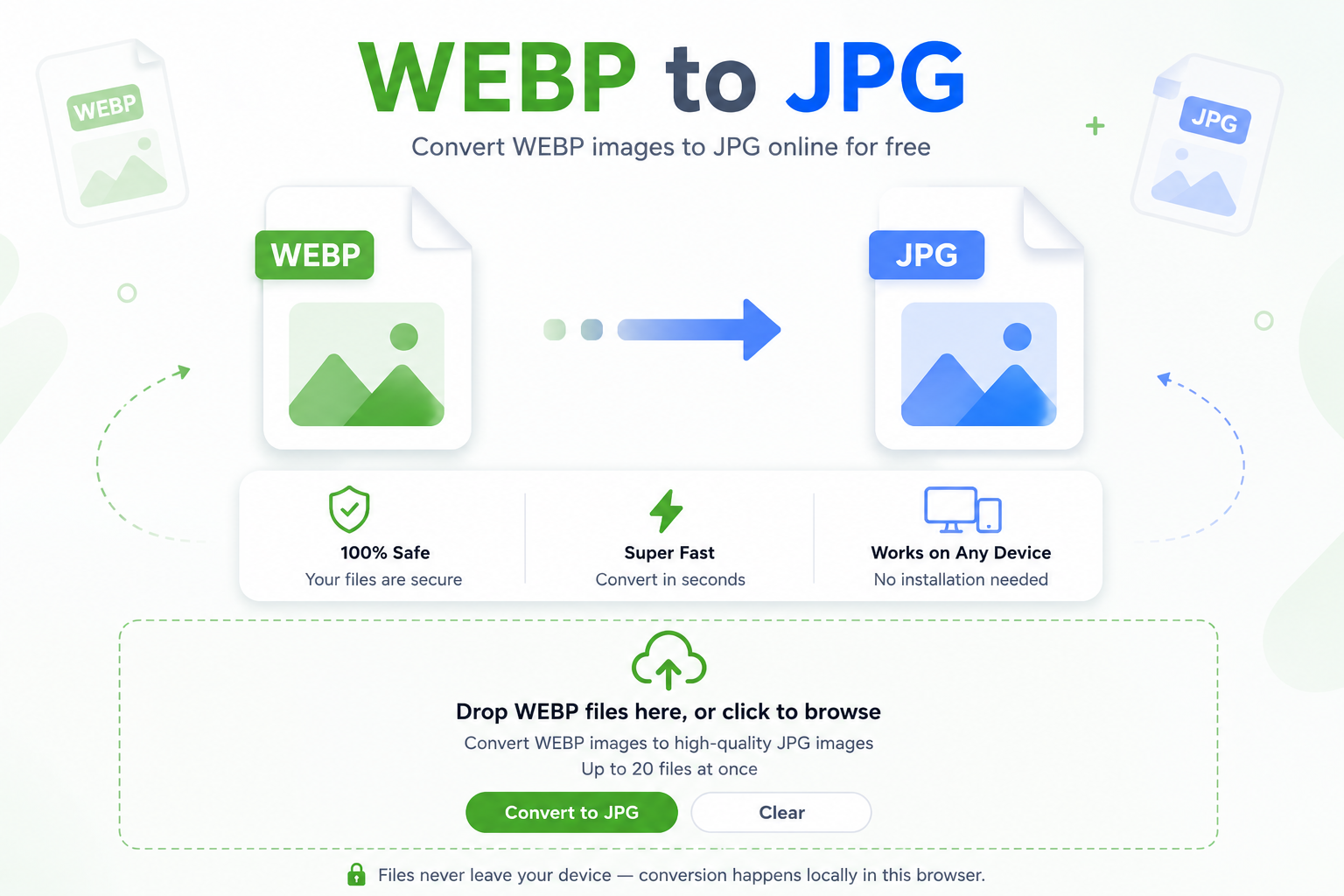
Drop WEBP files here, or click to browse
Works with any WEBP image · convert as many as you like in one go
🔒 Files never leave your device — conversion happens locally in this browser tab.
No server round-trip
Your WEBP file is decoded and re-encoded right in your browser’s engine, not on some server you can’t see.
Keeps its sharpness
The JPG comes out at high quality, so it still looks the way it did before you converted it.
Handles a whole batch
Queue up a folder’s worth of images and convert them together instead of one at a time.
Why WEBP files don’t open everywhere
WEBP was built by Google to keep image files small without losing much visual quality, and most modern browsers handle it fine. But step outside a browser and things get shaky. Plenty of older photo editors, some print shops, and a fair number of content management systems still choke on it or refuse the upload outright. That’s the reason a WEBP to JPG conversion tool like this one exists in the first place.
Turning the file into a JPG doesn’t really cost you anything for everyday use. It just swaps the container so the image opens anywhere: old design software, a client’s inbox, a form that only lists JPG and PNG as accepted formats, you name it.
WEBP vs JPG: what’s actually different
WEBP squeezes more detail into a smaller file size than JPG can manage, which is part of why so many websites use it for faster page loads. JPG, on the other hand, has been around since the early 1990s and is supported by pretty much every device, printer, and piece of software ever made. That gap in support is the whole tradeoff. If you’d rather go the other way, or land on PNG instead of JPG, the jpg converter handles that conversion too.
When you’ll need this
A few situations come up over and over. You save an image straight from a website and it lands as a .webp file that your resume builder won’t accept. A client sends over product photos and your print shop only takes JPGs. You’re uploading to an older store platform that flat out doesn’t recognize the format. In each case the fix is the same one: convert once, and the file works everywhere after that. The same compatibility problem shows up with iPhone photos too, where a HEIC to JPG conversion solves it in a similar way.
How to Convert WEBP to JPG
Three steps, no software to install.
Add your WEBP files
Click the box above or drag files straight from your downloads folder. Add as many as you need.
Press Convert to JPG
Each file gets processed one after another in this tab. You’ll see the status update as it finishes.
Download your JPGs
Grab each file the moment it’s ready. Working from a PDF instead of an image? pdf to jpg covers that same kind of conversion for documents.
Frequently asked questions
No. The conversion happens with code that runs inside your browser tab. The image data never crosses the network, so you could switch to airplane mode after the page loads and it would still work.
Not in any way you’d notice. The tool re-encodes at high quality, so the picture looks the same to the eye. There’s a tiny technical amount of generation loss any time you re-save an image in a different format, but it’s not something you’ll ever spot on screen.
Every so often a “WEBP” file is actually a corrupted download or something mislabeled. Try re-saving that specific image from its original source and running it through again.
There’s no hard cap built into the tool. Very large batches just depend on your device’s own memory, since everything runs locally instead of on a server somewhere.
Convert it to JPG here first, then run that JPG through jpg to word to pull the text into a document you can actually edit.
No installs, no extensions, no account. Just this page and the files you’re working with.
Yes. It runs the same way on a phone’s browser as it does on a laptop, though very large batches will convert a bit slower on older devices.
A WEBP to JPG conversion isn’t complicated once you know why it’s needed. It’s really just about compatibility. Keep this page bookmarked for the next time a website, an editor, or an upload form refuses to take that .webp file, and you’ll have a working JPG in about ten seconds.
🔒 Your files stay on your device. Nothing is uploaded, stored, or logged.