
Turn PDF Pages Into JPG Images
A PDF file is great for reading, but it’s the wrong format the moment you need to drop a page into a slide, post it online, or attach it somewhere that only takes images. This tool handles the PDF to JPG switch in a few seconds, right here on this page, and nothing gets uploaded to a server.
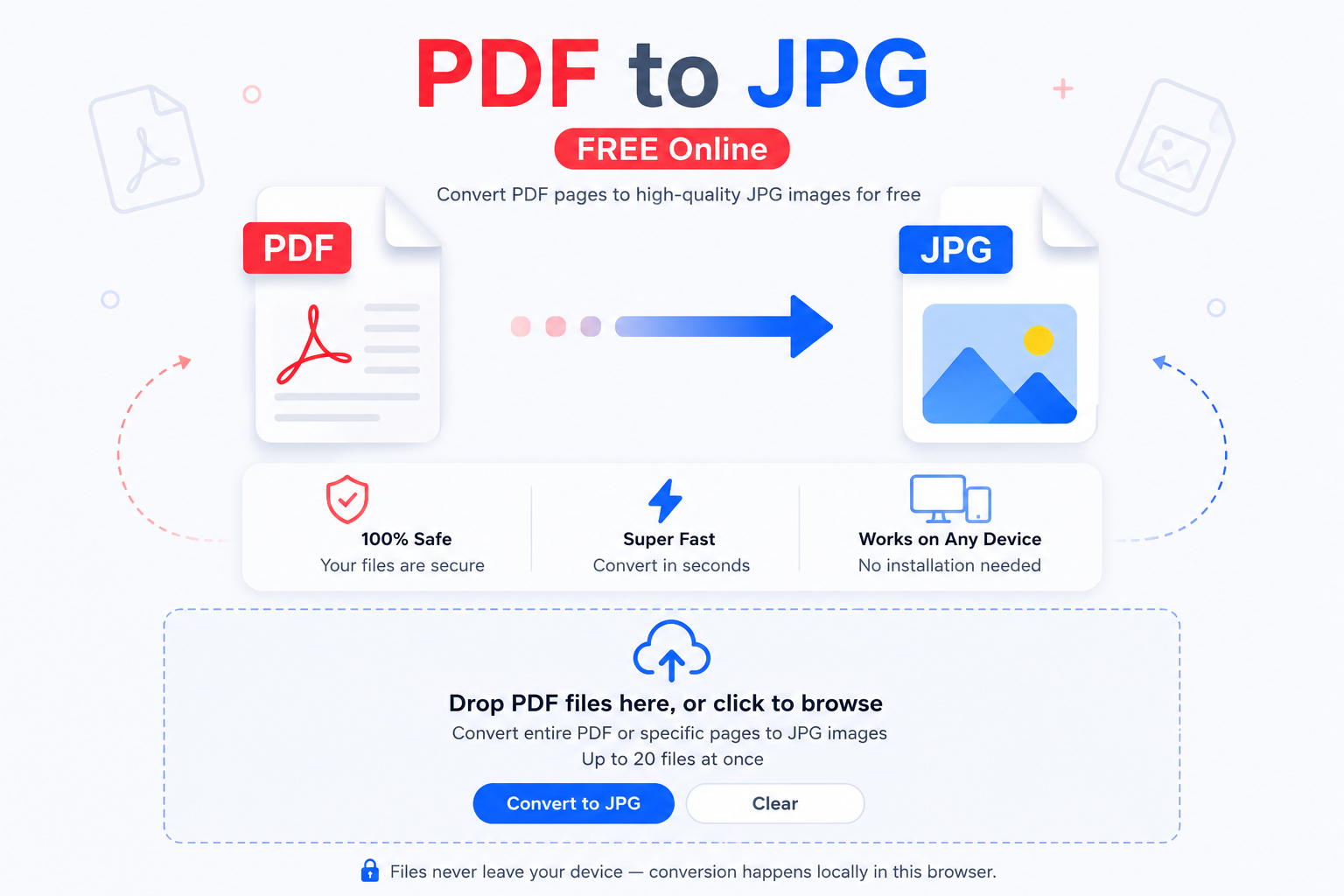
Drop PDF files here, or click to browse
Works with reports, scans, and multi-page PDFs · convert as many as you need
🔒 Files never leave your device — conversion happens locally in this browser tab.
No server round-trip
Your PDF is decoded and drawn to an image using your browser’s own engine. It never travels over the network to do it.
Every page, kept sharp
Multi-page PDFs get one clean JPG per page, rendered at a resolution that still looks right when you zoom in.
Handles a whole batch
Queue up several PDFs at once and convert them together instead of opening and closing a tool one file at a time.
Why PDF to JPG conversion matters more than you’d think
PDF was built to preserve layout, not to slot neatly into every app that asks for a picture. Try uploading a PDF to a listing site, a social profile, or a design tool, and plenty of them either reject it outright or flatten it in a way you didn’t ask for. Converting the page to a JPG first sidesteps all of that, because JPG is the one image format almost nothing turns away.
There’s also a simple compatibility reason. Photo apps, email clients, and even some printers read image files far more predictably than documents. Once a page is a JPG, you can crop it, resize it, or drop it into a slide deck the same way you’d handle any photo. And if you end up needing a different image format down the line, say for a site that only takes newer formats, the jpg converter on this site moves it along from there.
When you’ll actually reach for this
A few situations come up over and over: pulling one page out of a longer PDF report to paste into an email, turning a scanned form into an image you can annotate, grabbing a diagram from a PDF manual for a presentation, or converting a signed contract page into a JPG because a website’s upload form won’t take anything else. In each case, the fix is the same — convert the page you need, and it opens anywhere from that point on.
If the JPG that comes out the other side is too big to attach or upload, run it through JPG Size Reducer next and it’ll shrink down without losing much visible quality.
How to convert PDF to JPG in three steps
Add your PDF files
Click the box above or drag one or more PDFs straight from your desktop or downloads folder.
Press Convert
Each file is processed page by page right in this tab. You’ll see the status update as every page finishes.
Download your JPGs
Grab each page the moment it’s ready. Converting several pages you’ll want to send as one file? Combine them afterward with JPG Merge.
Frequently asked questions
Not in any way you’d notice. The page is rendered at a high resolution before it’s saved as a JPG, so text stays readable and images stay sharp. JPG does use lossy compression, the same tiny, invisible tradeoff you’d get from any converter, but it won’t look different at normal viewing sizes.
No. The rendering happens inside your browser tab using JavaScript. Nothing is sent to a server, and you could disconnect from the internet after the page loads and it would still work.
Every page becomes its own JPG. You’ll get a separate download link for each page, plus a single button to grab the whole set at once if the file has more than one page.
Yes. A scanned PDF is really just an image wrapped in a PDF file, so it converts the same way a text-based PDF does. If you’d rather pull the text out as editable content instead of an image, send the result through jpg to word afterward.
There’s no fixed cap from this tool. Very large or long PDFs depend on your device’s memory since everything runs locally instead of on a server, so an older phone may struggle with a huge file where a laptop won’t.
This usually happens with a password-protected PDF or a file that’s partially corrupted. Try opening it in a PDF reader first to confirm it displays normally, then convert it again.
No installs, no extensions, no account. Just this page and a PDF file.
Not this specific tool, since it’s built for PDF pages, but the avif to jpg converter on this site handles that conversion the same browser-only way.
Bookmark this page. Anytime a PDF page won’t go where you need it, this PDF to JPG converter turns it into an image in a couple of clicks, and your files never leave your device while it happens.